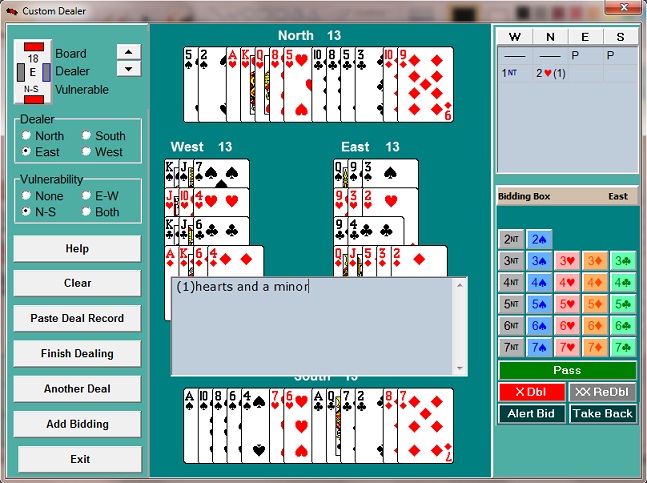
After 52 cards have been dealt, the Add Bidding button is enabled, and the Bidding Box appears. Click to make a bid. If the bid is alertable, click the Alert button on the Bidding Box after you've entered the bid, and then type in the alert.
To include suit symbols in an alert, place a backslash in front of the suit letter; e.g. !s will show a spade symbol. You can also use !n for the no trump symbol È.